

Instant Bank Transfers
With Pay by Bank, you get instant confirmation and deliver without waiting.

Real-time confirmation

Direct-to-bank payments

Always-on payment processing
Avoid chargebacks

Chargeback-resistant by design

SCA & PSD2 compliance

Cleaner fraud profile
Consistent performance

Higher conversion
Lower failed payment rates

Built for high-risk businesses
Testimonials

Who we serve
Gaming
Let players worldwide pay seamlessly — without chargebacks, blocked accounts, or payout delays.
Discover Payop for Gaming →
Digital goods
Sell apps, software, e-books, and subscriptions globally with secure, instant payments.
Discover Payop for Digital Goods →
E-commerce
Boost conversion in your online store
with direct-to-bank payments
and lower fees.

iGaming
Enable fast deposits and instant payouts for betting and online casinos — fully compliant and secure.
Discover Payop for iGaming →
Frequently asked questions
What is Pay by Bank? How does it work?
Pay by Bank is a payment method based on the open banking concept. It allows you to pay for goods and services directly from your bank account without entering sensitive data on the website where you make the purchase. This solution is getting increasingly popular among EU users, as it takes a few clicks to make such a payment.
It works really simply. At the checkout, you choose Pay by Bank from the list of available payment methods, select the bank you want to make the payment with, log into your bank account, and confirm the transaction.
Once your bank authorises the requested payment, the funds are transferred and processed on our bank`s side, and as soon as the transaction gets its final status, the merchant receives confirmation of the successful payment.
The main benefits of this method are:
- Security. You complete the payment using your bank account application.
- Fast processing. Such bank transfers are usually completed in a few minutes.
Important note. Please do not repeat the processed payments by bypassing the checkout page and going directly to our bank account. Such payment won`t be credited to the merchant as it`s not related to any of the website`s orders. To make a purchase, go to the merchant`s website, choose the relevant Payop payment method, and complete it on the checkout page by entering the required data.
How long does it take for my online payment to be processed?
The processing time can be different, depending on the payment method you selected on the checkout page:
Almost all secure payments must be credited instantly. The maximum technical timeframe for transactions is 24 hours. If your payment wasn't credited within this time, please contact us at support@payop.com and attach your proof of payment.
For a cash method, the transaction will be processed once you transfer funds. You have 48 hours to complete your initiated payment.
For a Pay by Bank method, the processing time depends on the payment scheme your bank supports (instant, non-instant) and the bank transfer currency. Instant banking transactions in EUR and all payments in GBP are typically credited within a few minutes. Payments via non-instant channels usually arrive within an hour, but the banks occasionally delay them up to 24 hours. Please also note that payments initiated on weekends or holidays may be credited the next business day.
If your digital payment hasn`t been processed within the mentioned timeframes, you can contact our support team at support@payop.com with your payment confirmation, and we will check your transaction`s status.
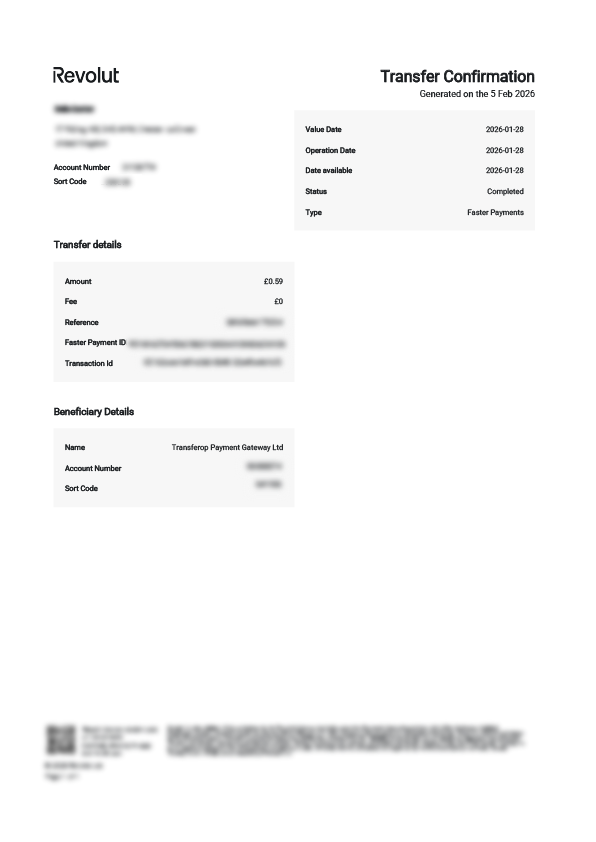
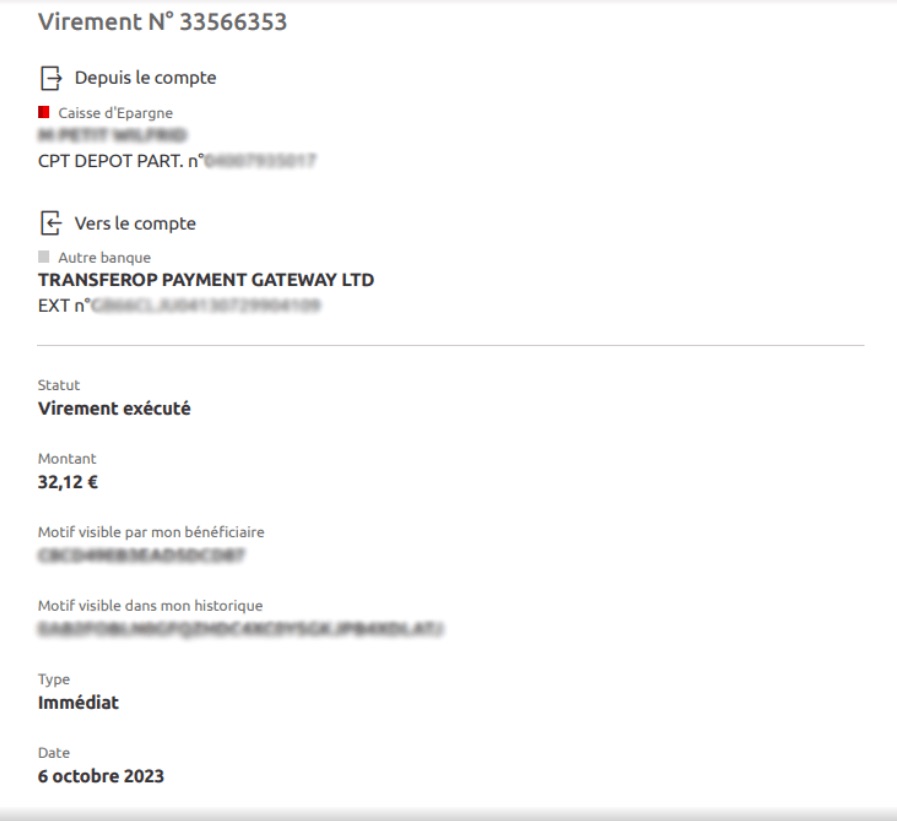
Below, you can find a few examples of the relevant payment proofs for different payment methods.
When should I contact Payop, and when should I contact the merchant?
Below, you`ll find what our support can help you with, as well as which requests are beyond our scope and need to be handled by the merchant.
What can Payop support help me with?
You can contact our support to check the status of your payment if it was processed through Payop. In this case, you`ll see Transferop Payment Gateway or Payop in your bank statement.
Additionally, when you make a payment, you`ll receive an email from support@payop.com confirming that it was initiated and containing a link to track the status in real-time.
That link is always up to date, so you can monitor your payment anytime.
Which questions should I contact the merchant about?
Please contact the website where you made your purchase if your question is related to their products, services, or your account on their platform.
Payop only processes payments – we don`t manage user accounts, deliveries, or website functions.
You should contact the merchant if you want to ask about:
KYC procedures on the merchant`s website (data verification, additional info request, document acceptance)
Products or services, including delivery time, product access, etc
Account issues on the merchant`s website, such as login problems, forgotten passwords, or account verification
Bonuses or rewards offered by the merchant, for example, `How do I get my bonus?` or `Why wasn`t it added?`
Withdrawals from your account
Payments made through another payment system, not through Payop
Returns or refunds if the product didn`t meet your expectations or you want to cancel an order
What is Payop on a bank statement? What does Transferop Payment Gateway Ltd mean on a bank statement?
You made a payment on the website using the Pay by Bank, Pay by Revolut, or Pay by Monzo channels developed by Payop. The website integrated this channel to collect payments online.

Transferop Payment Gateway is our business entity, our trading name is Payop - that's why you see it on your bank statement. We built Pay by Bank payment collection through partnerships with banks and technical providers. It's a secure payment collection service made through Open Banking technology. The European Union engages all banks to join the Open Banking community.
We hope that your payment experience was smooth and fast. If not, please feel free to share with us the errors you might receive during the payment process, and we will contact your bank and ask to fix them. Payop actively participates in Open Banking development and adoption, and we see great potential in it.